QuickSession Pro
Finale
Choose a Service
Workspace
Finale Production Workspace
Assemble, level, structure, and preview your multi-track productions inside the integrated workspace.
Select
Performer
QSP Performer
Create Music with AI. Natural-language prompt to editable professional multitrack projects.
Create
Mix
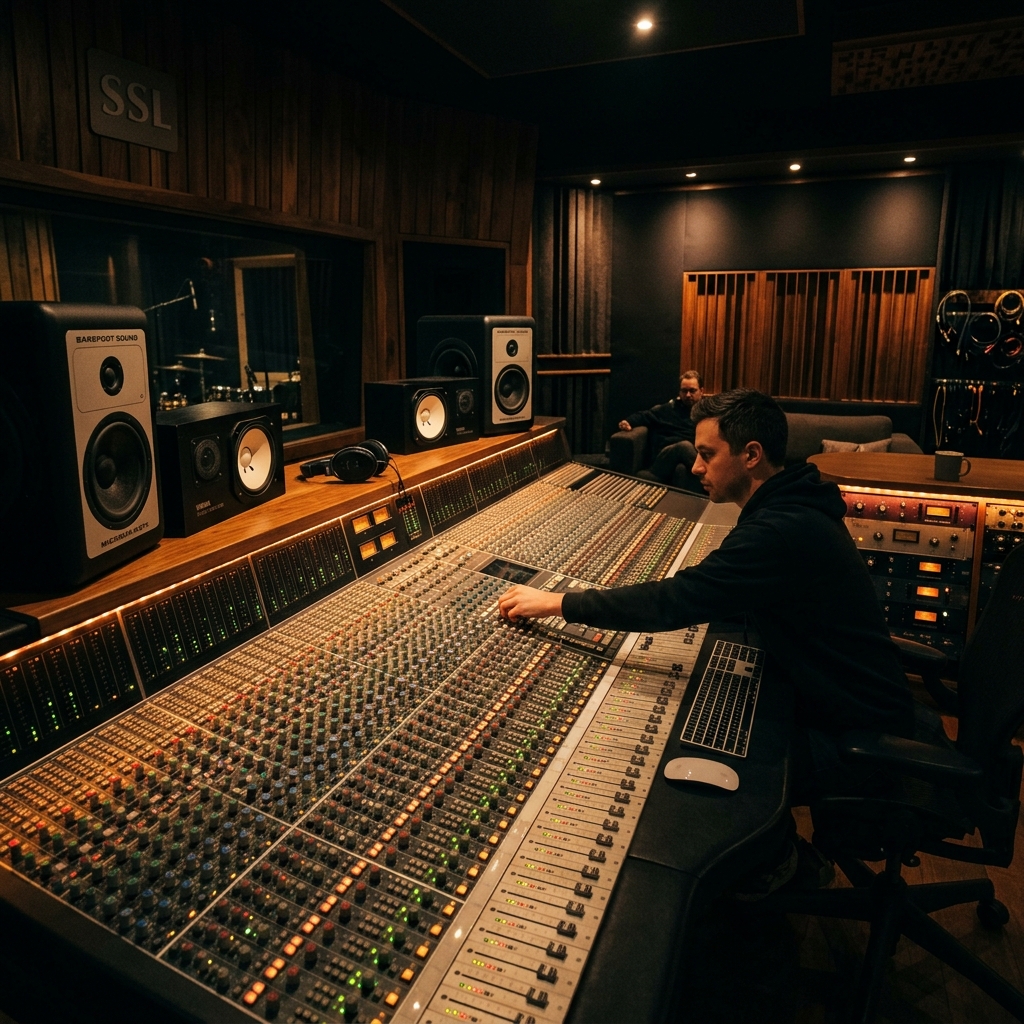
Finale Mix
Professional-grade multi-track mixing with adaptive relational algorithms and volume anchors.
Select
Master
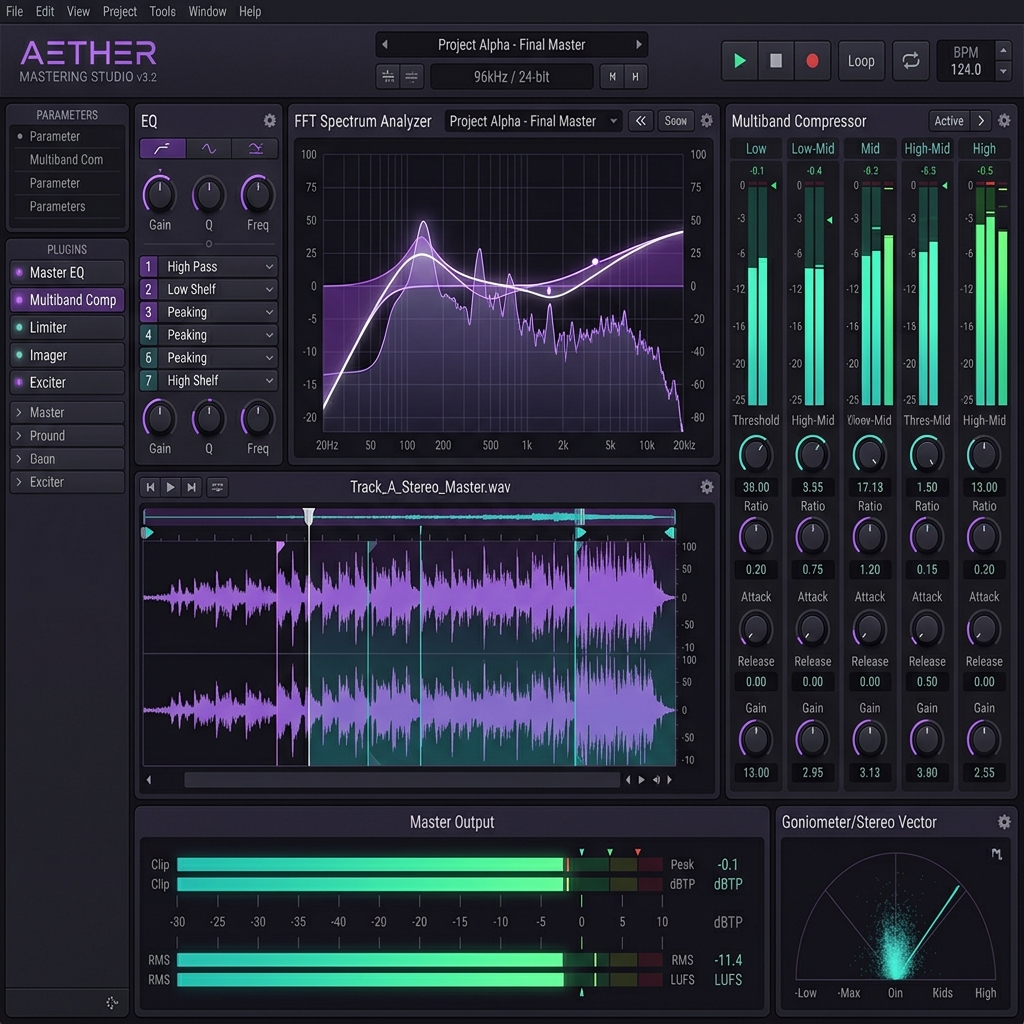
Finale Master
Industry-standard LUFS targeting, multi-band compression, and brick-wall limiting for your stereo releases.
Select
Album Player
Album Arranger
Arrange, level, and preview your mastered tracks before exporting your final release.
Select
Separation
Finale Stem Separation
Deconstruct any audio file into clean individual stems (vocals, drums, bass, harmonics) using advanced separation filters.
Select
Director
Finale Director
Sync with content channels to map creative DNA profiles, chord structures, and dynamic signatures.
Select
Local Scanner
Artist Genome Scanner
Scan local folders recursively to discover, rank, and import finished tracks into your Artist Genome.
Select
Marketplace
Finale Creator Marketplace
Manage and monetize your Creative Digital Twin, or collaborate with licensed Creator Packs in your productions.
Select
AI Video
AI Video DNA
Monitor and manage active AI video generation jobs powered by the Creator DNA engine.
Launch